

 Call-Back
Document Analysis
The AI remembers large quantities of PDFs or office data, and questions about the content can be asked.
Companies are increasingly discovering the potential of large language models, yet many hesitate to send sensitive data to external cloud services. This is exactly where we come in: local AI operation. Using solutions like Ollama or LM Studio, powerful language models can be operated directly on your own infrastructure.
The biggest advantage is data privacy! Company data, internal documents, or confidential communications never leave your own network at any point. Especially in regulated industries or mid-sized companies, this is a decisive factor in meeting compliance requirements while simultaneously utilizing modern AI infrastructure.
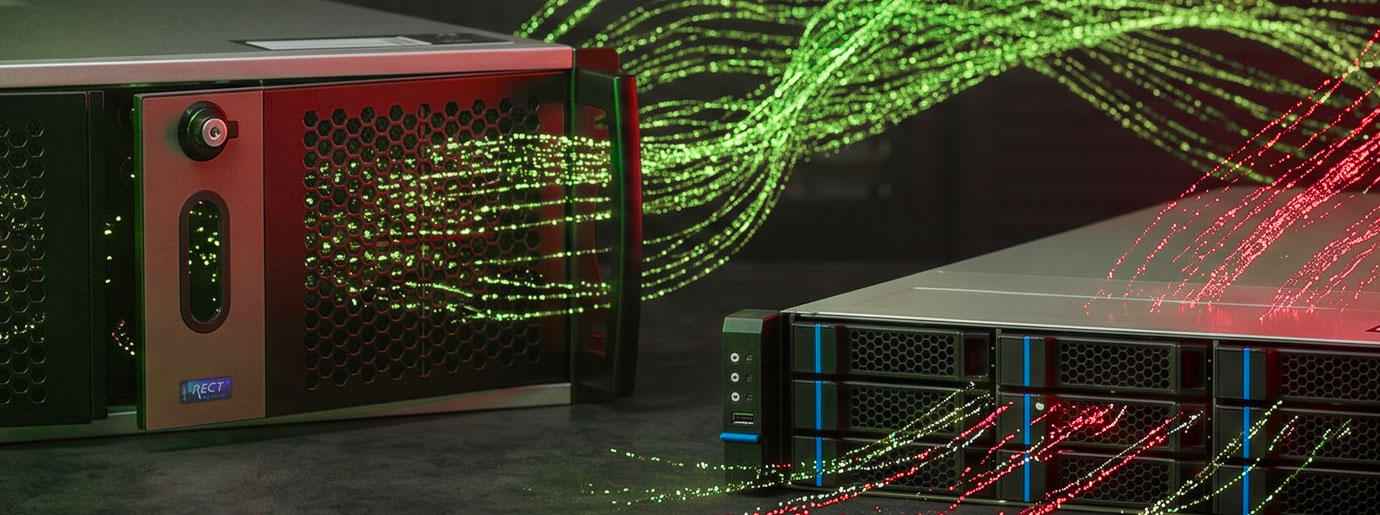
Companies benefit from maximum control and flexibility. Models can be individually adapted, data sources specifically integrated, and processes precisely aligned with your own requirements – without dependency on external APIs or pricing models. At the same time, local operation provides consistent performance without latency from internet connections, as well as full transparency over costs and resources.
One of the main advantages is that your data never leaves the server or computer. Most tools work completely without an internet connection after the model is implemented.
The AI remembers large quantities of PDFs or office data, and questions about the content can be asked.
A Large Language Model generates and understands human language by recognizing patterns in large amounts of text and creating responses based on them.
An image generation AI creates new images from text descriptions by applying learned patterns.
Getting started is easier than you think. Tools like Ollama, LM Studio, or ComfyUI provide a user-friendly environment to quickly deploy AI.
In professional AI applications, the specific use case determines the appropriate hardware. Once you process large amounts of unstructured data such as images, videos, or free text, GPU servers are almost indispensable in many cases.
| GPU VRAM | Processor | RAM | Storage | Network |
| Determines model size & speed | Processing & system performance | Large models & context | Fast loading of large models | Relevant for multiple users |
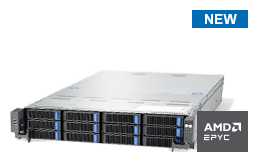
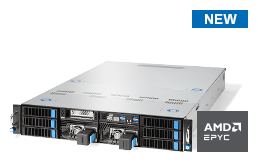
Four GPUs with 6x HotSwap or two GPUs with 12x Swap Frame
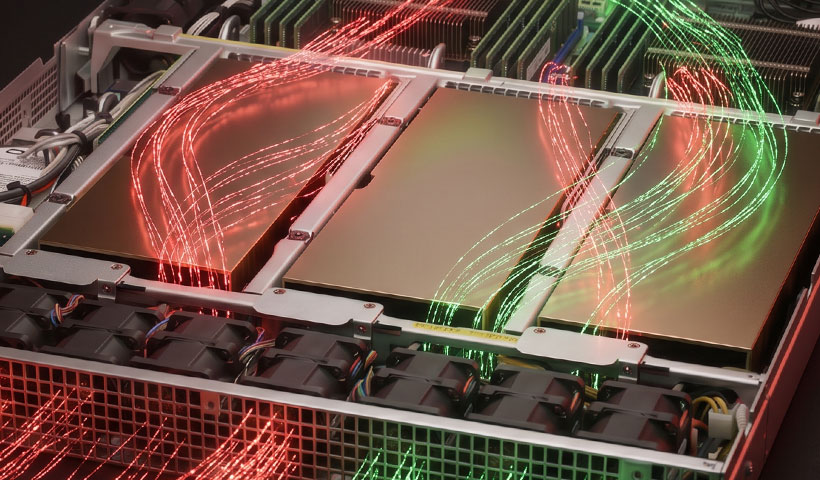
For high AI performance, it's not just the GPU that matters, but the interplay of the entire system architecture. In particular, the connection between the processor and graphics unit is a critical factor: A sufficiently fast connection between CPU and GPU helps to efficiently process data-intensive workloads and reduce avoidable bottlenecks.
Before data is processed on the GPU, it is first provided in system RAM and then transferred to the GPU memory. This is why modern platforms with PCIe 5.0 and fast DDR5 RAM offer a decisive advantage. They provide high bandwidth, reduce latency, and keep data flow between CPU, RAM, and GPU constantly at a high level. Technologies for direct access to GPU VRAM further accelerate communication and increase efficiency for demanding AI workloads.
This creates a high-performance platform that minimizes wait times, optimizes data transfer, and fully utilizes the potential of modern GPU servers.
Do you want to operate an LLM locally in your own infrastructure? Then available VRAM is one of the most important factors. Many of the most well-known powerful models are closed source, but for local use, there are often powerful open-weight alternatives available. As a rule of thumb: The more billions of parameters a model has, the more VRAM is required.
| AI Family | Parameters | VRAM Requirement |
| Qwen 3.5 | 32B | 20 – 30 GB |
| Llama 4 | 70B | 42 - 67 GB |
| GPT-oss | 120B | 72 - 115 GB |
| MiniMax-M2.5 | 229B | 140 - 190 GB |
| Mistral-3-Large, DeepSeek V3/R1 | 675B | 400 - 650 GB |
These techniques minimally reduce the precision of model weights but massively reduce memory requirements. A 4-bit model often offers the best ratio between performance and memory requirements. Not suitable for low error tolerance.
With three NVIDIA RTX PRO 6000 Blackwell
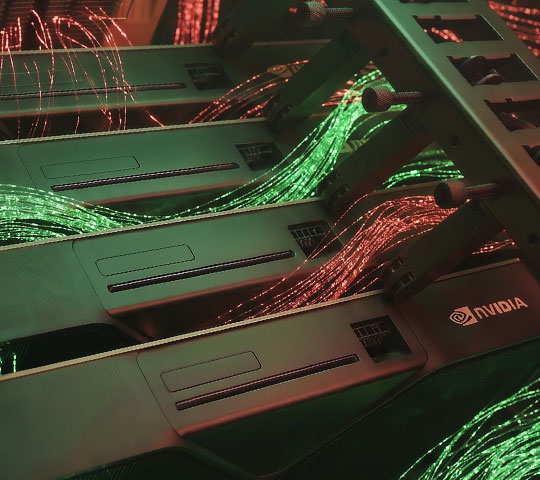
The more text a model is supposed to process and retain in context simultaneously, the more VRAM is typically required for the context window or the so-called Key-Value Cache.
Example: Analyzing a book The context window must be large enough to capture and remember the entire content. For a book with approximately 500 pages, this may require about 166,000 to 250,000 tokens. This additional memory requirement can be in the range of 10 to 20 GB VRAM.
Powerful hardware is the foundation, but the right software enables efficient and comfortable operation of AI models. Modern interfaces significantly simplify installation, management, and usage. That's why we have selected solutions that are particularly well-suited for local server operation.
Focus: Maximum throughput via PagedAttention and efficient VRAM management.
Advantage: Fully operable locally and equipped with an API that closely follows the OpenAI standard.
Use: Ideal for companies where many users access large models simultaneously.
Focus: Maximum simplicity in installation, operation, and usage.
Advantage: Fewer technical hurdles, clean API, and a fast path from setup to productive use.
Use: Suitable for prototyping, internal applications, and smaller teams with high demands for ease of use and speed.
Focus: Lean open-source server framework.
Advantage: Thanks to OpenAI-compatible API, existing workflows can be easily migrated. Highly optimized for quantization formats that even run on affordable consumer hardware.
Use: Optimized for air-gapped operation (completely offline). Data is loaded as binary files or Docker containers.
AI Workstation for Local Models Under Your Desk
If you don't have a server room in your company, smaller AI model versions are conceivable. If you want to run Llama, Mistral, or Gemma locally on your desktop, hardware resources and the choice of the right software are crucial.
With modern AI interfaces, you can implement local AI models much more easily. Some solutions are designed so that you can get started and work quickly even without programming knowledge.
Enables simple testing, deployment, and management of local language models.
Interface: Chat-like (like ChatGPT), quick onboarding.
Advantage: Integrated model search, VRAM hints, and use as a local server.
Connects local language models with document workflows for knowledge queries from your own files.
Interface: Workspace-based, thematic structuring of content.
Advantage: Drag-and-drop for documents, AI incorporates content into responses, local and privacy-friendly.
Ideally suited for image and video generation (e.g., with Stable Diffusion) and the integration of language models into complex workflows.
Interface: Node-based, functions are visually linked into logical chains.
Advantage: Automates creative processes and connects individual steps, e.g., for prompt optimization or image description.
Whether a GPU is required in these scenarios depends primarily on: The amount of data, The complexity of the tasks, The number of simultaneous users. The higher the load in practical use, the more GPU acceleration is recommended.
For real-time analysis of video data, GPU performance is often the more sensible foundation, especially when dealing with high frame rates, multiple parallel streams, or more complex models. GPU acceleration also ensures that very long computing runs for training AI models for object recognition or image classification become practical in terms of training time.
With a GPU, you benefit from significantly higher processing speeds for both speech-to-text and text-to-speech conversion. This is particularly noticeable when working with larger amounts of data, meeting real-time requirements, or processing multiple requests simultaneously.
In reinforcement learning, a model improves its decisions through continuous trial and error, direct feedback, and gradual optimization. To efficiently implement such computationally intensive training processes, GPU acceleration provides the crucial foundation for powerful and practical results.
If you want to train AI models yourself, you need an infrastructure designed for maximum computing power. During training, large amounts of data are processed, countless model adjustments are calculated in a short time, and high-performance GPU systems with high graphics memory are designed for this. The later use of a finished model is much more modest, as no complex learning processes take place; instead, existing structures are simply used. Therefore, for many applications in ongoing operation, a solid GPU server is sufficient, while training itself imposes significantly higher requirements.
Training vs Inference | ||
Inference (Usage) | Training (Learning) | |
VRAM | Low to moderate | High memory requirement per GPU |
Precision | Quantized is sufficient | BF16 / FP32 mandatory |
Number of GPUs | Often 1 to 4 GPUs suffice | GPU server cluster recommended |
Performance | Short-term peak loads | Continuous high load over longer periods |

CORETO Aktiengesellschaft is a manufacturer of performance-specific servers and workstations.
RECT™ is a product brand and the RECT™ store with configurator is a division of CORETO.
© CORETO Aktiengesellschaft, Friedberg, 2001-2026